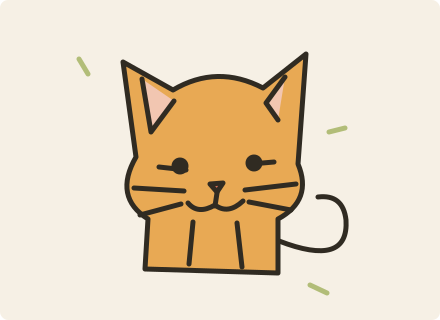
MS Paint doodle
For a playful avatar or reaction picture where the rough, mouse-drawn look is the joke.
Your photo. A little less serious.
Turn a portrait, pet or everyday object into a playful drawing. Upload one photo, pick a style, and let AI redraw it.
A little wonky. Completely yours.
Style illustrations, not generated samples. Your photo's result will vary.Your upload and result stay private unless you choose to share them. Privacy Policy
Style illustrations, not generated samples. Your photo's result will vary.
For a playful avatar or reaction picture where the rough, mouse-drawn look is the joke.
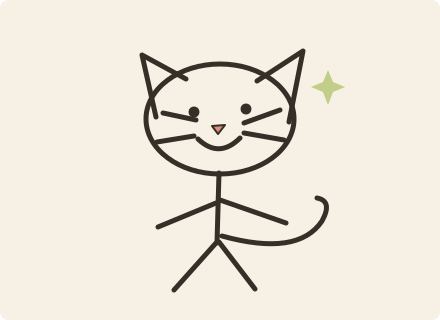
For a photo whose pose tells the story: waving, jumping or a pet leaning sideways.
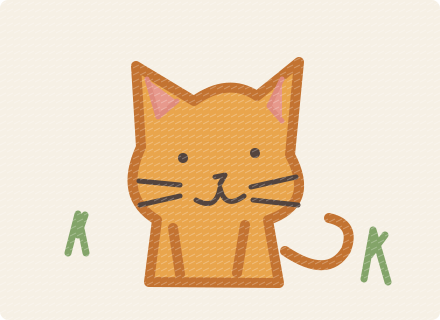
For a warm, handmade drawing of a person, pet or familiar object.
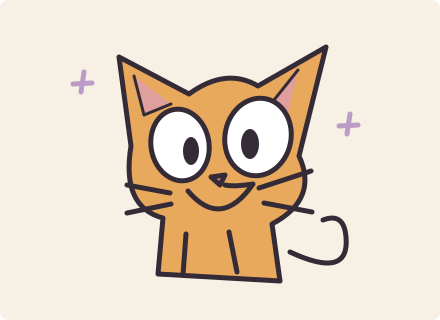
For an expressive cartoon avatar with a recognizable subject and deliberately crooked proportions.
Upload a clear photo of a person, pet or object.
Choose a drawing style and optionally add a small detail.
Review the credit price, generate, and download your saved drawing.
Use a sharp photo with one recognizable subject and an uncluttered background. Stick figures work well when the pose carries the joke. Crayon adds warmth; the cartoon style exaggerates expressions. Framing and fine details may change.
It redraws your uploaded photo with an image editing model and a style prompt. You can choose a simple MS Paint look, a stick figure, a crayon drawing or an exaggerated cartoon without writing a full prompt.
Browsing the tool and style illustrations is free. Generation requires a signed-in account and enough credits. The actual price depends on the available model and is shown before you submit.
Completed drawings are automatically saved to your account's default asset category. You can download them here or open Assets to manage and continue editing them.
Credits are returned after the task is confirmed to have failed without delivering a result. If submission or status is unconfirmed, check the same task instead of starting another paid request.
Allow Google Analytics cookies to measure public visits, tool uploads and generations, campaign labels, and verified purchases and refunds (amount, currency, product and a pseudonymous transaction ID)? Campaign attribution is saved with checkout. No photos, email or card details are sent. You can withdraw at any time. Privacy Policy