Skip to content
PHOTO TO MOTION

AI Video Recreation

Your photo. Your scene. A new performance.

Choose a prepared dance or motion scene and upload a person photo. Each scene explains whether it keeps your photo’s background or uses a separate setting, and whether the duration is fixed or selectable. Review the total credits and generate without editing a canvas or writing a prompt.

  • Ready-to-use motion
  • No prompt needed
  • Private photos

Create your video

A new performance starts with your photo.

Choose a video scene

Explore this scene and its examples

Your person photo
Photo tips

Use a clear full-body photo of one person, with visible arms and legs. Include the background you want to keep and enough space for the dance.

Your photo supplies both the person and the background.

Video duration10 seconds · fixed
Total credits400 credits

Photos and results are private. Failed tasks release reserved credits. Get credits

Video preview

Scene example
Shan Shen Bu

User-provided finished video with its original subtitles and audio.

MP4
SCENE LIBRARY

Explore the available scenes

1 scene to explore
MADE FOR YOUR PHOTOS

One photo, more ways to create

Follow a prepared performance

Each scene includes a prepared motion reference and audio settings. Read the scene introduction and watch its example to understand the performance before creating.

Check the scene’s background options

Some scenes keep the background in your person photo. Others use a separate background, with a default stage or an upload option. The form shows the inputs needed for your selected scene.

Review the length and price

Some scenes have a fixed duration; others offer a choice. Check the supported duration and total credits before generating. When shorter outputs are supported, they use the opening portion of the performance.

HOW IT WORKS

Create your video in three steps

  1. 01

    Choose a scene and upload a clear photo of one person. A full-body photo works best for dancing.

  2. 02

    Check the background requirements and output duration for your scene. Add a background or select a duration only when the scene offers those options, then review the total credits.

  3. 03

    Generate one video, preview the completed result, and download it here or from your private library.

ABOUT VIDEO RECREATION

What is AI video recreation?

AI video recreation combines a person photo with a prepared movement reference to create a new performance. Instead of building a workflow, uploading an action reference, and writing instructions for every video, you choose a scene containing its motion, audio, and generation settings.

More about video recreation

Your person photo guides appearance, clothing, and body shape. Your background supplies the setting. The selected scene supplies the dance or performance, and its audio reference guides timing. You can make a dance clip, try the same routine with another person, or place a performance on a different stage.

Shan Shen Bu is the first available scene, also referred to as 闪身步 or 狗熊哆嗦毛. Each scene has its own page with detailed guidance, examples, supported durations, and pricing. Additional scenes use the same photo upload and generation flow.

AI output can vary in faces, clothing, limbs, and musical timing. Examples explain the prepared scene rather than promising identical results for every uploaded photo.

Each scene offers its own durations and pricing. Review the updated total credits before deciding to generate. Completed videos are saved to your private library and can be downloaded here. Change the person or background independently without preparing a new movement or audio reference.
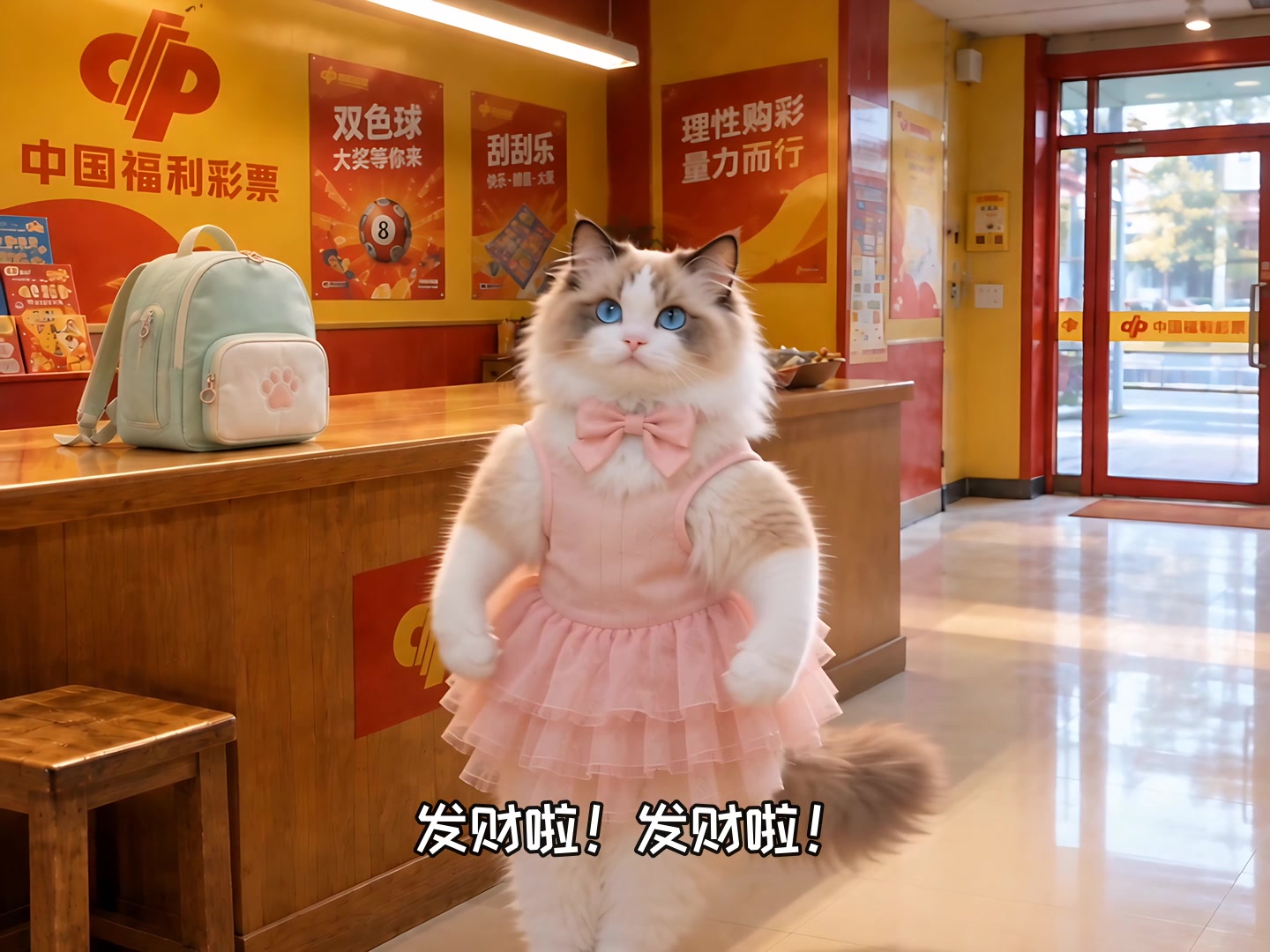
Give your person room to move

Use a sharp, well-lit photo with the face, arms, and legs visible. Avoid cropped limbs and overlapping people. Choose a setting with a visible floor and room for movement, either in your person photo or in a separate background when supported. Check the scene’s fixed or selectable duration before generating.

FAQ

Questions about video recreation

Do I need a reference video or a prompt?

No. Each scene provides its motion reference, audio settings, and instructions. Upload a person photo and follow the scene’s requirements for the background and output duration.

Can I create a Shan Shen Bu dance video?

Yes. Choose Shan Shen Bu, also known as 闪身步 or 狗熊哆嗦毛. Its scene page explains the routine and shows the supplied example video.

Is a background photo required?

It depends on the scene. Scenes that keep the background in your person photo need no separate background. Other scenes may provide a default stage that you can replace, or require you to upload a background. Check the scene page and form for the current requirements.

How are credits calculated?

Total credits equal the scene’s base credits plus per-second credits multiplied by the output duration. This applies to fixed and selectable durations. The total is shown before generation. Failed tasks release reserved credits; confirming the same pending task does not create another charge.

Will a shorter video contain the entire routine?

When a scene supports shorter outputs, they use the beginning of the routine at its original pace. They do not automatically compress or loop the entire performance. Fixed-duration scenes generate the length shown on the page.

Where are my photos and results saved?

Uploaded photos and generated results are private by default. Completed videos are saved to your private library and can be previewed and downloaded.

Will the generated face and movement match perfectly?

AI results can vary. Clear full-body photos and uncluttered backgrounds help, but exact identity, every movement, and every musical beat are not guaranteed.

Help improve mifanai

Allow Google Analytics cookies to measure public visits, tool uploads and generations, campaign labels, and verified purchases and refunds (amount, currency, product and a pseudonymous transaction ID)? Campaign attribution is saved with checkout. No photos, email or card details are sent. You can withdraw at any time. Privacy Policy