Start with your own photo and gradually bring a Halloween scene to life. Five seconds · 720p · audio enabled. The video follows your photo's aspect ratio.
Generated example
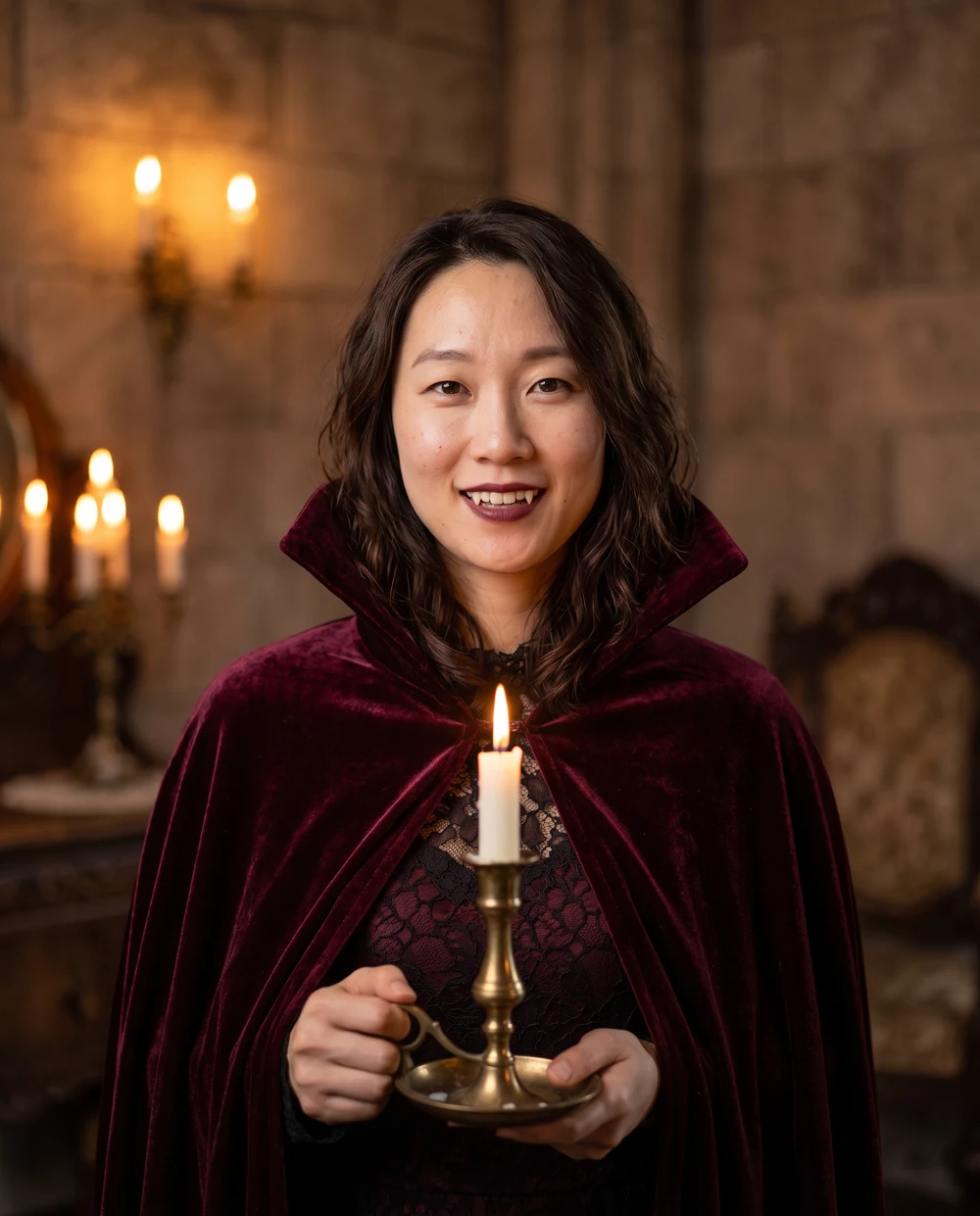
Velvet vampire
Seedance 2.5 · Velvet vampire · Five-second example
A real Seedance 2.5 result, using the original portrait as its first frame. Other video looks have not been sampled. Your results may vary.
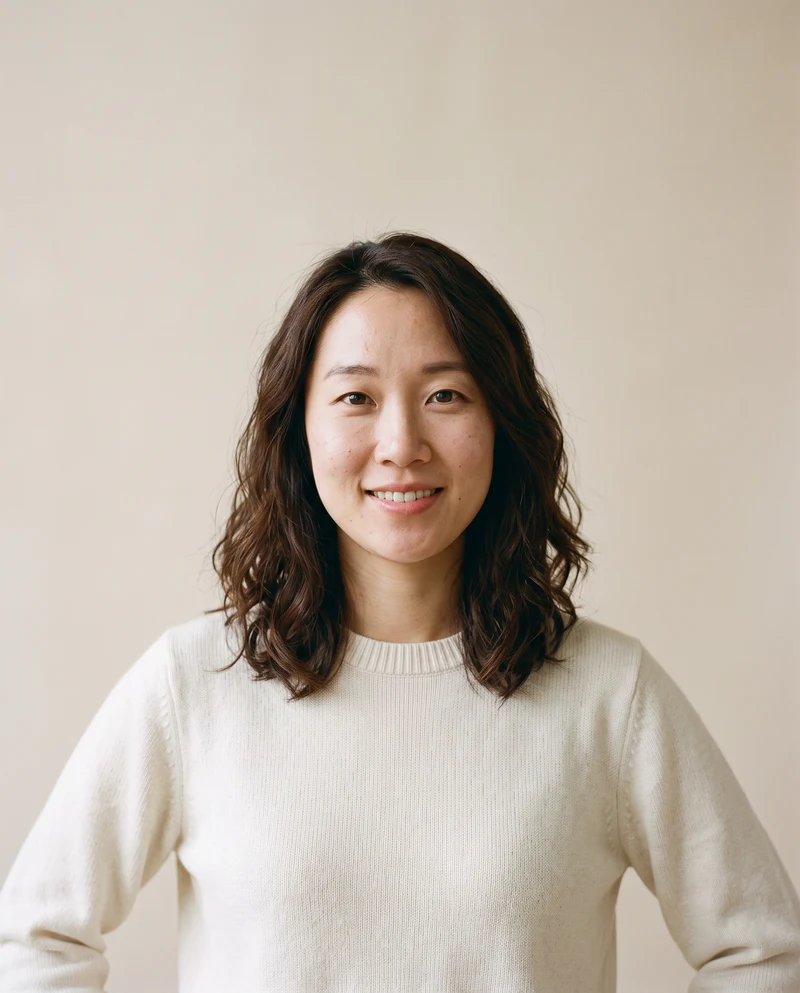
Original reference · AI-created person
Your upload and result stay private unless you choose to share them. Privacy Policy
Before you create
Photo requirements
JPG, PNG or WebP · up to 10 MB · one person with a clear, unobstructed face
Output
5 seconds · 720p · MP4
Generation cost
Generation requires sign-in and enough credits. Review the actual quote before submitting.
All eight images below are real Nano Banana 2 photo examples. Motion descriptions explain the video presets; only the vampire look has a published five-second video test clip.
Vampire AI Halloween video
A burgundy velvet cape, candlelight and a gothic room give this portrait its classic vampire atmosphere. The costume adds subtle theatrical fangs while keeping the face visible. A clear, evenly lit source photo leaves the model more facial detail to preserve. Choose this look for an elegant Halloween profile photo or a dramatic portrait, rather than an action scene.
The video prompt gradually introduces the cape and warmer candlelight, with a small smile and a gentle camera move. The five-second player above is the actual published example for this look.
Witch AI Halloween video
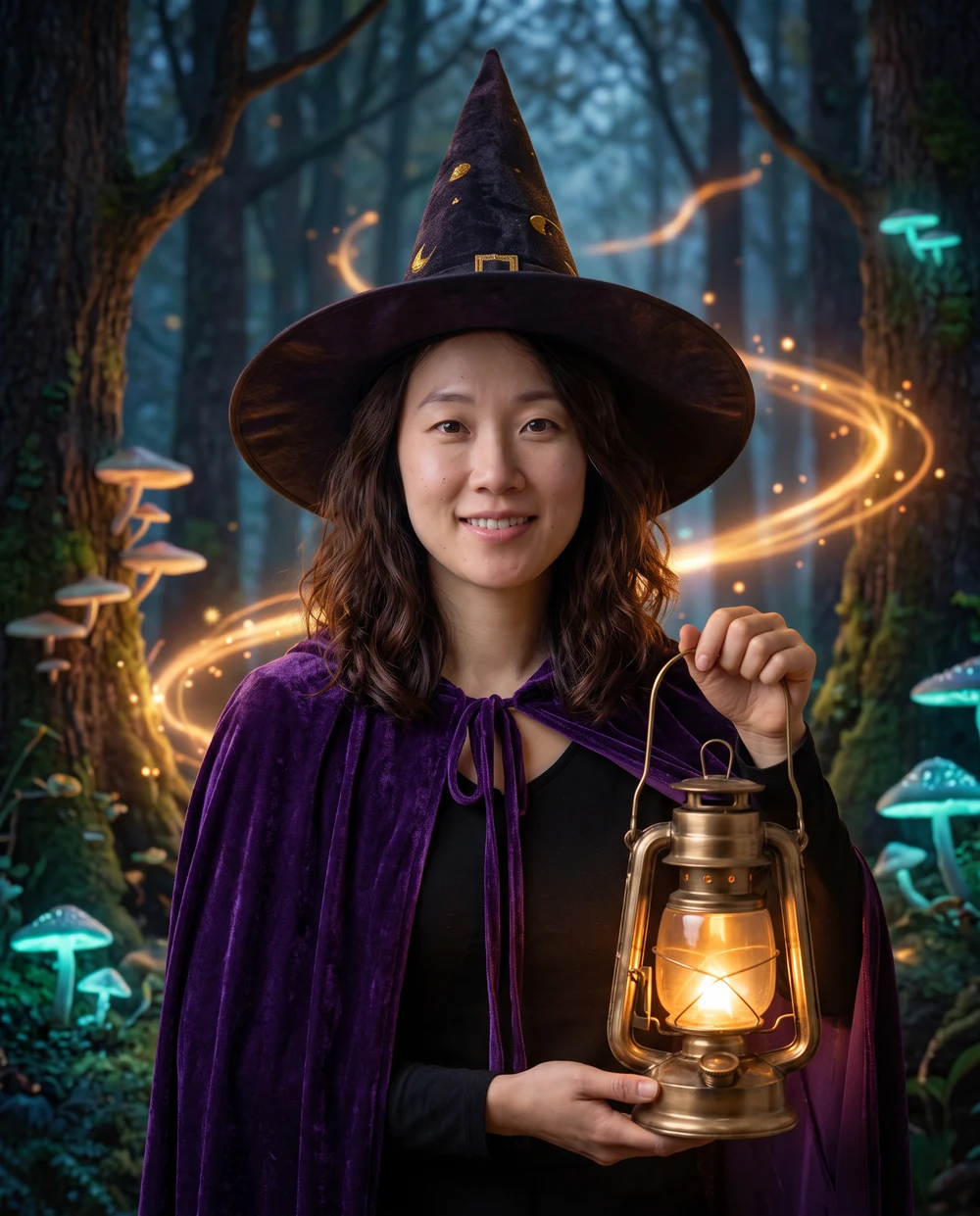
A pointed hat, violet cloak and softly glowing lantern place the person in an enchanted forest. This look works best when the reference leaves space above the head, so the hat can fit without covering the face. The published photo shows a magical setting with small glowing details, while the person's face remains the visual focus.
The video prompt calls for purple sparks, a gradually appearing hat and cloak, and a small hand movement toward a floating light. This video variation has no published test clip; the image is a photo example.
Pumpkin evening AI Halloween video
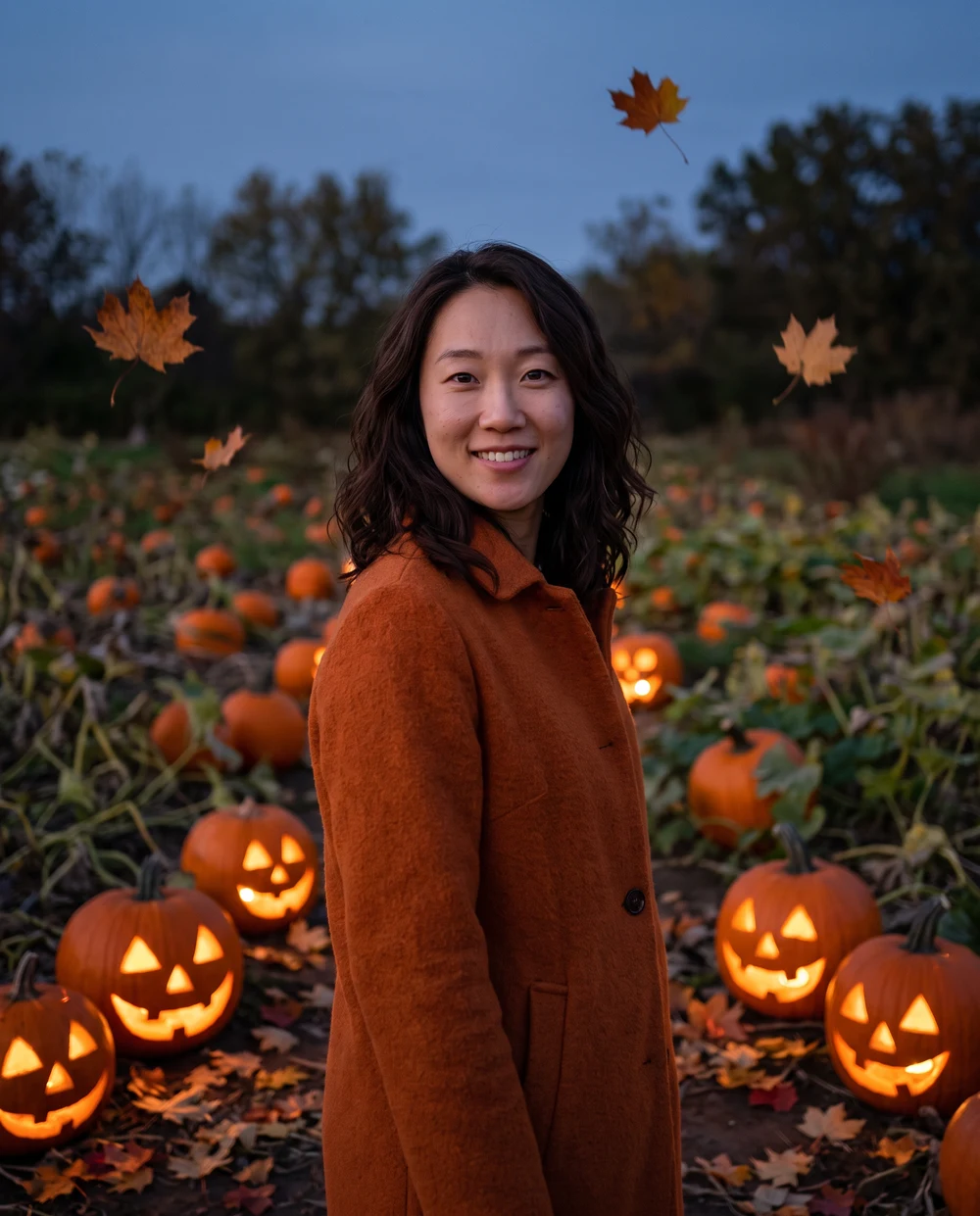
Warm jack-o'-lanterns, autumn leaves and an outdoor garden create a cozy seasonal scene. The person wears an autumn coat and keeps a human head and recognizable face. This is a pumpkin-lit portrait, rather than a pumpkin-head transformation. It suits a softer Halloween card or social portrait where the setting matters as much as the costume.
The video prompt gradually brightens the pumpkin lights and adds drifting leaves with a small glance and smile. This video variation has no published test clip; the image is a photo example.
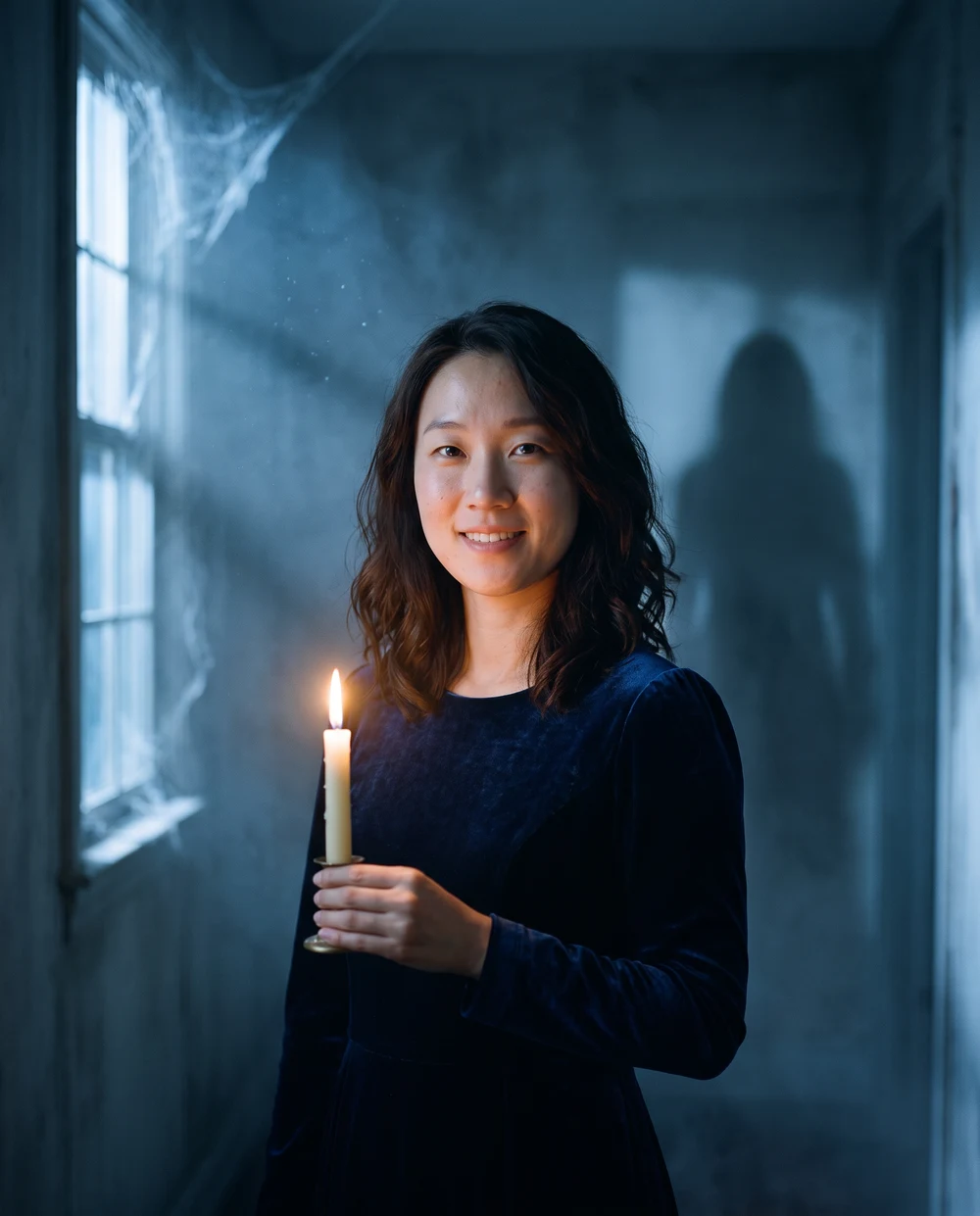
Haunted hallway AI Halloween video
A dim old corridor, blue moonlight and low mist create suspense around the portrait. One candle provides a warm focal point, while a distant abstract shadow stays behind the person. The effect relies on the setting and light, without a named film character. Choose a sharp source photo so the face retains detail when the final scene becomes darker.
The video prompt dims the light, moves mist behind the person and introduces a distant shadow as they look over a shoulder. This video variation has no published test clip; the image is a photo example.
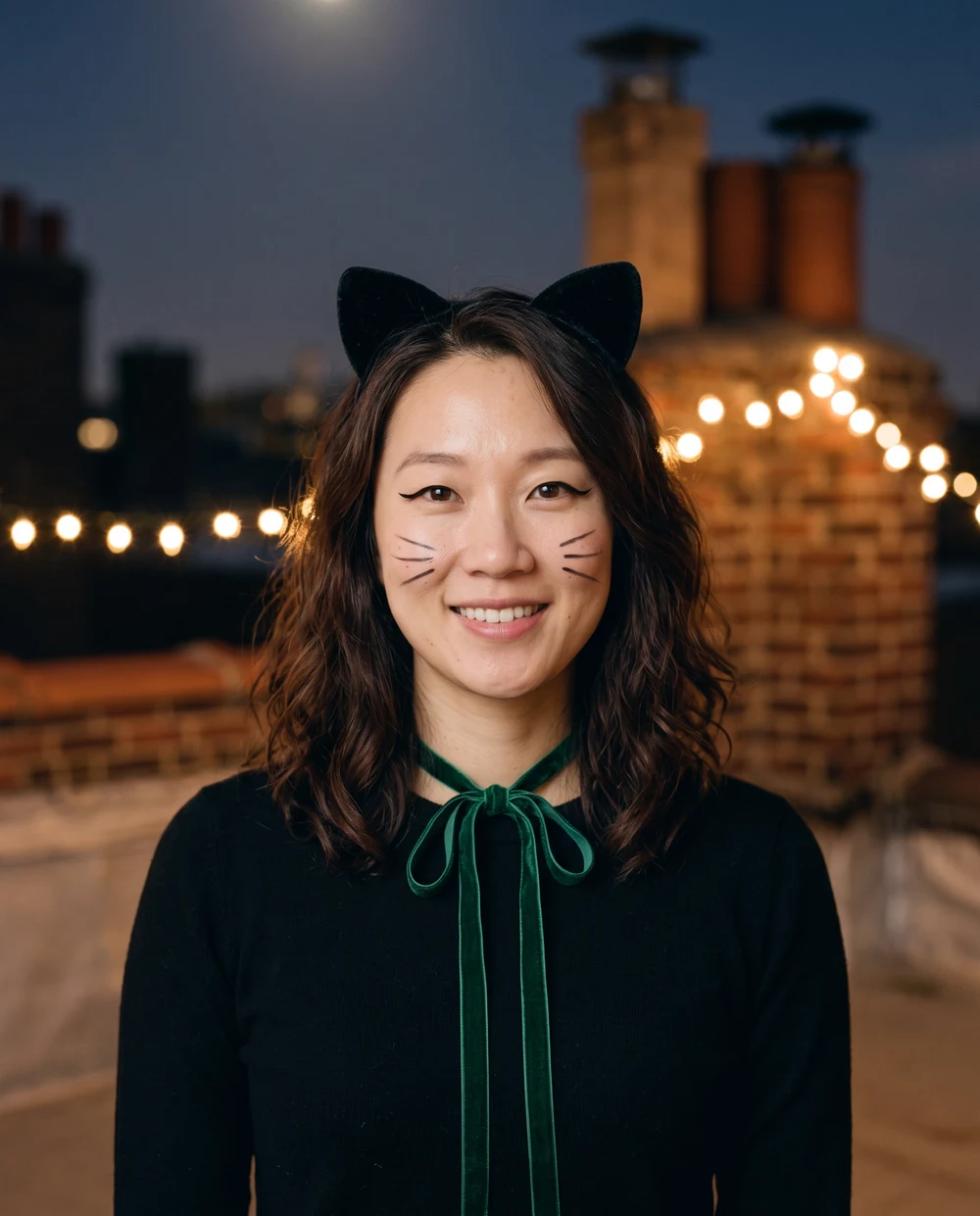
Black cat AI Halloween video
Velvet cat ears, painted whiskers and an emerald ribbon make this a playful costume portrait. The scene combines moonlit rooftops with warm strings of lights. The person keeps a human face; the prompt does not turn them into an animal. A face-forward reference helps make the eyeliner and whisker details easier to assess in the finished image.
The video prompt gradually adds the cat-ear costume and painted whiskers, followed by a slight head tilt and smile. This video variation has no published test clip; the image is a photo example.
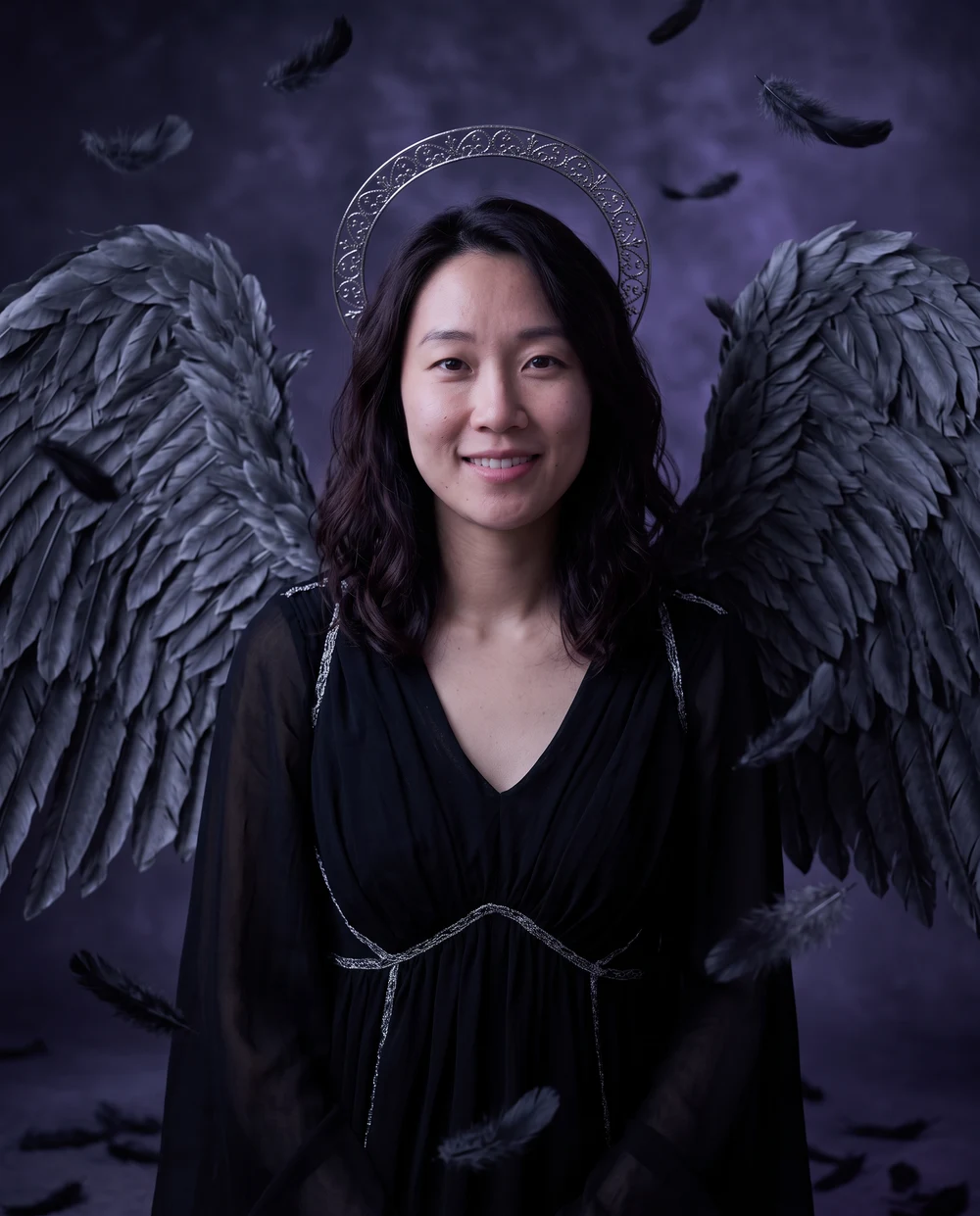
Dark angel AI Halloween video
Charcoal feather wings, a silver halo and violet moonlight create a dramatic fantasy portrait. The wings sit behind the shoulders and leave the face uncovered. A reference with space around the upper body gives the model room for the costume. Check the halo, feather edges and shoulder area in the result, as large accessories can vary between generations.
The video prompt unfolds the wings behind the person while a few feathers drift through the moonlight. This video variation has no published test clip; the image is a photo example.
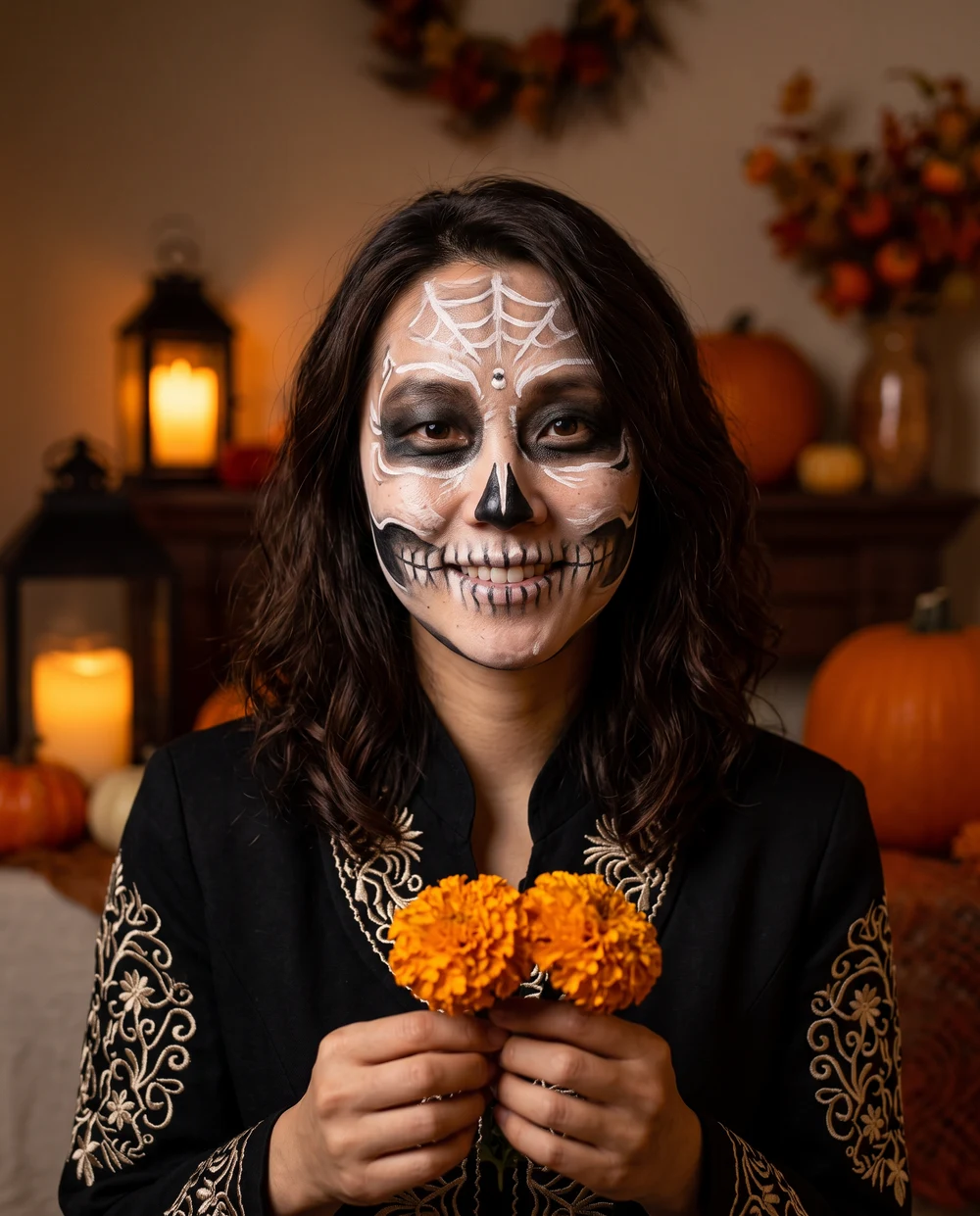
Skeleton makeup AI Halloween video
Fine white face-paint patterns, dark eye accents, embroidered clothing and marigolds create a theatrical skeleton look. The effect is painted makeup on the person's face, with no exposed bone or injury. Because the makeup changes contrast around the eyes and mouth, inspect those features carefully. The warm lantern setting keeps the portrait festive while the costume remains the main subject.
The video prompt introduces the painted makeup gradually as lanterns and marigolds brighten, followed by a restrained head turn. This video variation has no published test clip; the image is a photo example.
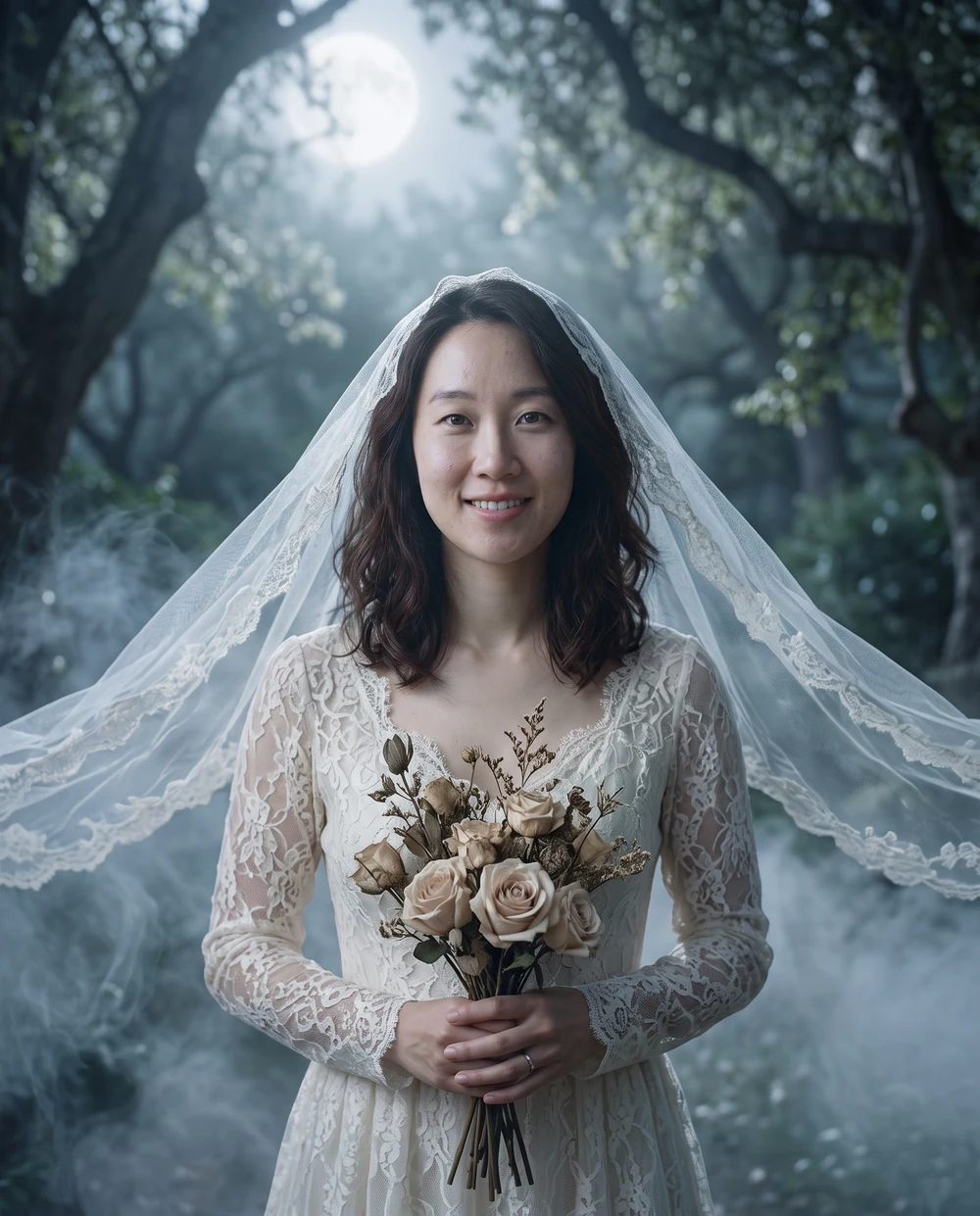
Ghost bride AI Halloween video
Ivory wedding attire, a translucent veil and pale roses create an ethereal garden portrait. Silver moonlight and low mist establish the ghostly mood while the face remains uncovered. Use a reference with visible shoulders and some space around the head. In the published image, the lace, bouquet and flowing veil distinguish this look from the darker costume styles.
The video prompt gradually introduces the veil and wedding attire with a soft breeze and mist behind the person. This video variation has no published test clip; the image is a photo example.
Your Halloween video in three steps
01
Upload or paste one clear photo; its framing becomes the first frame.
02
Choose a Halloween effect. The video is five seconds at 720p, with audio enabled.
03
Review the video credit price, generate and download the saved MP4.
Leave room for the scene to move
Use one person with a clear face and some space around the head and shoulders. Upload a portrait-oriented photo for a vertical video, or a landscape photo for a wide video. The original photo is kept intact. Motion, costume changes, likeness and generated sound can vary; playback duration can include provider rounding.
About Halloween videos
Do I need a reference video?+
No. This tool animates your uploaded photo as the first frame using a prepared Halloween prompt. It does not copy movement from a separate reference clip.
Can I choose a vertical format?+
The video follows the first-frame photo's aspect ratio. Upload a vertical photo for a vertical clip. The tool does not crop your original photo automatically.
What does it cost?+
Generation uses your current Seedance 2.5 channel and its published pricing. Review the credit quote before submitting. Video and photo generations are separate paid requests.
How do I download the video?+
After completion, play the saved video here and use Download to save the MP4. It is also available privately in Assets. Provider-generated markings may remain.
What happens if generation fails?+
Credits are returned after the task is confirmed to have failed without delivering a result. If submission or status is unconfirmed, check the same task instead of starting another paid request.
Allow Google Analytics cookies to measure public visits, tool uploads and generations, campaign labels, and verified purchases and refunds (amount, currency, product and a pseudonymous transaction ID)? Campaign attribution is saved with checkout. No photos, email or card details are sent. You can withdraw at any time. Privacy Policy