Photo-to-Doodle Prompts — MS Paint, Stick Figures & Crayons
Four editable photo-to-doodle prompts for an MS Paint look, stick figures, crayons and wonky cartoons. Copy a prompt or apply it to the tool with your own photo.
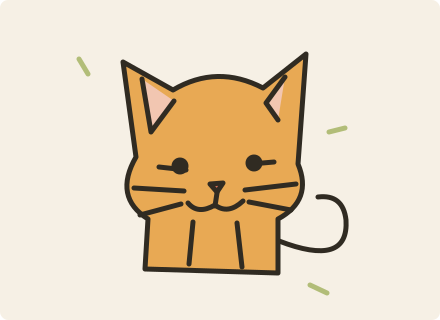
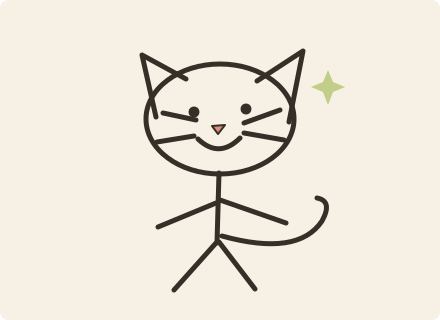
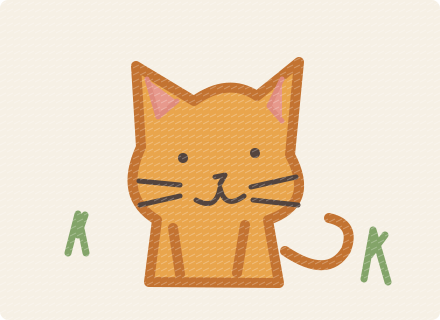
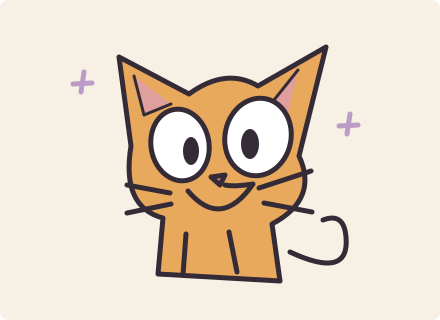
4 / 4 · Original style illustrations, not generated result examples.
For an expressive cartoon avatar with a recognizable subject and deliberately crooked proportions.
Make it yours
Specify a single expression, such as surprised or cheerful. Review whether exaggerated eyes still suit your subject.
Edit prompt↘
The execution prompt is written in English. You can edit its wording.
Keep the source framing
Applying a template saves the edited prompt in this tab for one hour, without placing it in the URL or starting generation.
From template to your own result
Pick a template and read its photo requirements.
Copy or edit the prompt, choose a ratio, and apply it to the tool.
Upload or paste your photo, review the credit price and generate. Completed results go to Assets.
Related templates
Photo to doodle
Four editable photo-to-doodle prompts for an MS Paint look, stick figures, crayons and wonky cartoons. Copy a prompt or apply it to the tool with your own photo.
Four editable professional headshot prompts for formal, casual, creative and natural studio portraits. Choose 1:1 or 4:5 and apply the template to your photo.
Four editable graduation photo prompts for classic cap and gown, campus memories, studio portraits and vintage film. Choose a ratio and create with your own photo.
Allow Google Analytics cookies to measure public visits, tool uploads and generations, campaign labels, and verified purchases and refunds (amount, currency, product and a pseudonymous transaction ID)? Campaign attribution is saved with checkout. No photos, email or card details are sent. You can withdraw at any time. Privacy Policy